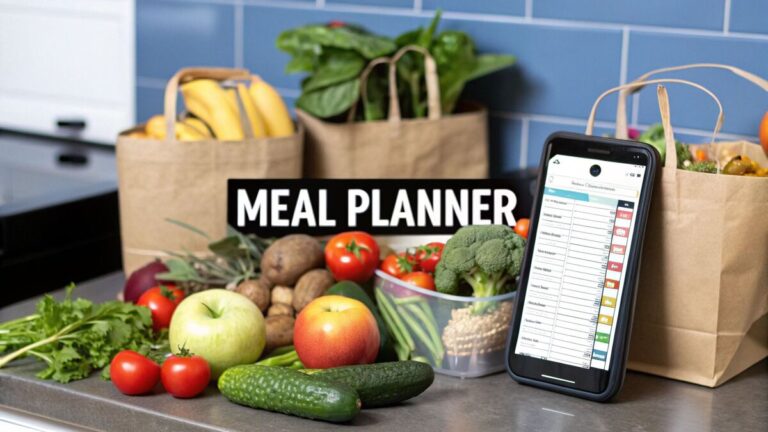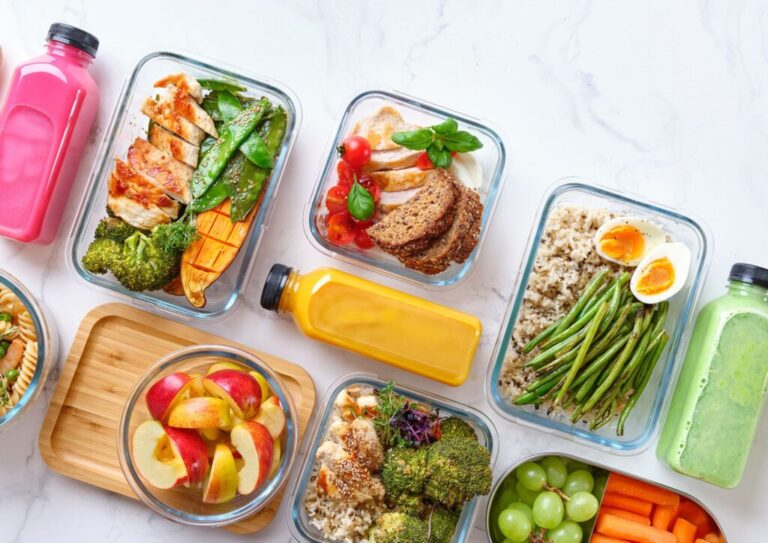
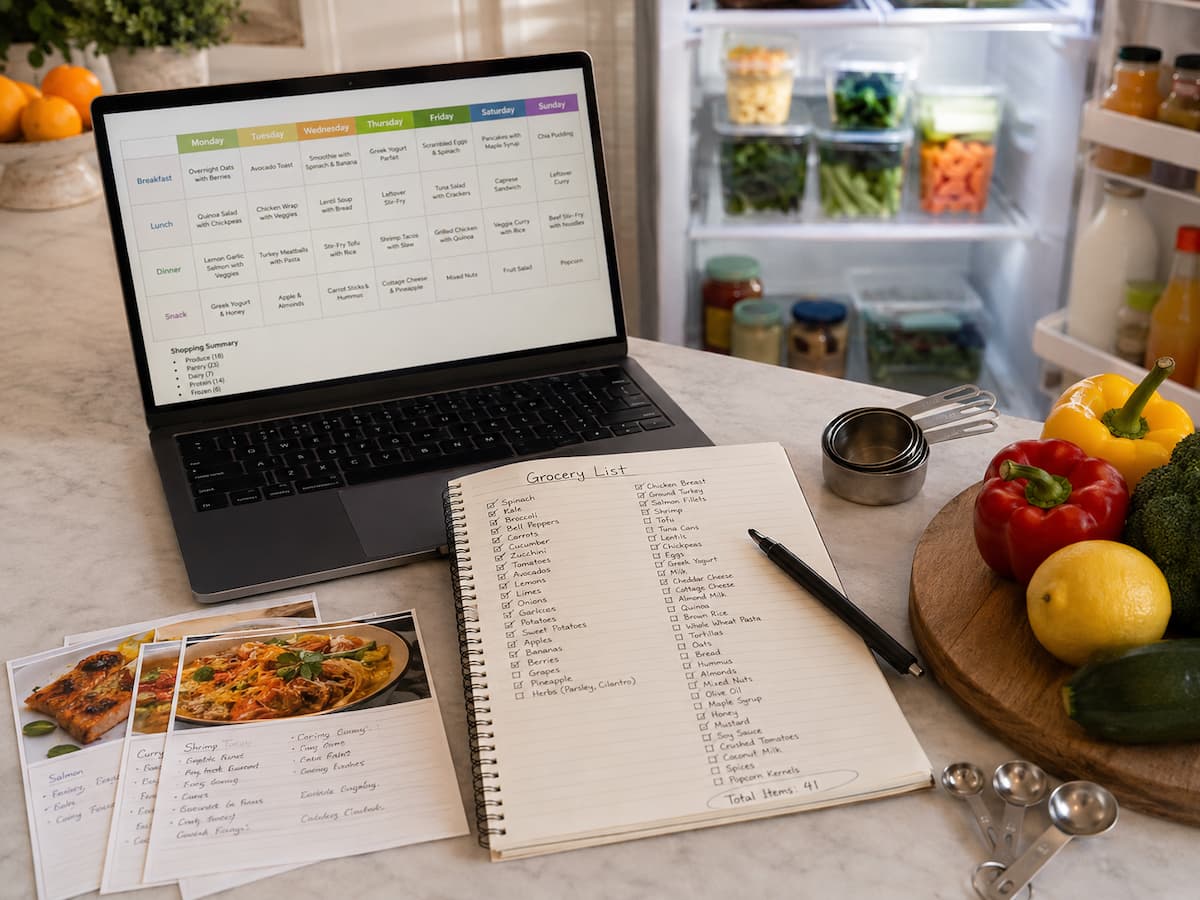
Artificial intelligence (AI) can simplify meal planning. No more empty menus and no more brain teasers; simply tell the AI tool which ingredients you have at home, how many people you are cooking for, how much time you have, and what your favorite cooking styles are, and within seconds it will generate a weekly menu with recipes and a shopping list. The problem, however, is that quickly generated meal plans are not always the best choice.
AI requires human input to discover the ingredients in your fridge. The recommended recipes may contain expensive ingredients you will likely never use, portions unsuitable for your family, unrealistically common ingredients, or cooking times you cannot handle. The AI can also misinterpret unclear instructions. This comprehensive guide helps you understand the most common errors in AI meal planning, why they occur, and how to improve your instructions for successful execution in the real kitchen. The intention is not to ignore AI entirely but to use it as a planning tool and not to blindly follow its literal meaning.
Mistake 1: Assuming AI Knows Your Real Food Situation
The first mistake happens before the meal plan is even generated. People often enter a short request such as “Make me a healthy seven-day meal plan” and expect the result to fit their household. That instruction omits almost everything AI needs to know. It does not say how many people are eating, what equipment is available, which ingredients are already in the kitchen, how much cooking time is realistic, or what foods nobody wants to eat.
A better prompt gives AI a useful picture of the situation. You might explain that two adults need dinner for five nights, one night should be leftovers, weekday cooking should take no more than 30 minutes, and the household already has rice, canned tomatoes, onions, frozen vegetables, and chicken. You can also explain whether the goal is reducing grocery spending, using food before it expires, reducing cooking effort, or simply adding variety.
The more relevant information you provide, the more useful the planning output becomes. Think of AI as a fast assistant that works from the information you provide. If the input describes an imaginary kitchen, the meal plan may be perfectly organized for a kitchen you do not actually have.
Mistake 2: Creating a Meal Plan That Is Too Ambitious
AI can generate seven breakfasts, seven lunches, seven dinners, several snacks, homemade sauces, baked goods, and elaborate side dishes in seconds. That sounds impressive until you have to cook all of it. A meal plan can fail simply because it demands more time and energy than the household has available.
Consider a weekday schedule in which everyone arrives home late. A plan that requires chopping multiple vegetables, marinating meat, preparing a separate sauce, and cooking three components from scratch may look attractive but be unrealistic. After two difficult evenings, the plan may be abandoned and the unused ingredients left in the refrigerator.
When using AI, be sure to tell it about your actual cooking capacity. Ask for several quick meals, one or two flexible meals, and perhaps one recipe that takes longer when you have more time. You can also ask AI to identify which meals can be prepared partly in advance.
Practical tip: A meal plan you can repeat comfortably is usually more useful than an impressive plan you cannot maintain.
Mistake 3: Ignoring Ingredient Overlap
One of the biggest advantages of meal planning is the ability to use ingredients across multiple meals. Yet AI-generated plans do not always make this process efficient unless you specifically request it. You might receive one recipe requiring half a bunch of parsley, another requiring a small amount of cilantro, and a third requiring a specialty sauce that is used once.
That creates unnecessary shopping and increases the chance that you will waste leftovers. Instead, ask AI to build meals around overlapping ingredients. For example, chicken could appear in a salad, a rice bowl, and a soup, while vegetables can be distributed across several dinners.
| Less Efficient Plan | More Efficient Approach |
|---|---|
| Different herbs for every recipe | Use one or two herbs across several meals |
| Several specialty sauces | Use a small number of versatile sauces. |
| One recipe per unusual vegetable | Use vegetables in multiple meals. |
| Separate grains for every dinner. | Cook a versatile grain for several meals. |
Ingredient overlap does not mean every meal should taste the same. The same roasted vegetables can work in tacos one day, a grain bowl another day, and a soup later in the week. Ask AI to vary seasoning, cooking methods, and presentation while keeping the shopping list manageable.
Mistake 4: Forgetting What You Already Have
AI cannot reliably know the contents of your pantry, refrigerator, freezer, or spice cabinet unless you provide that information. If you simply ask for a shopping list, it may recommend ingredients you already own. That can lead to unnecessary spending and crowded cupboards.
Before generating a plan, take a quick inventory. You do not need to list every spice. Focus on ingredients that should be used soon, staples you already have, frozen foods, open packages, and ingredients that could anchor several meals.
You can then ask AI to prioritize these items. For example, if spinach needs to be used soon, the plan might include an omelet, pasta, or soup that uses it. If there is cooked rice in the refrigerator, AI can suggest a meal that uses it rather than telling you to cook another batch. This approach turns AI from a recipe generator into a food-use planning tool. It can help you think through what you already own before adding more items to the shopping cart.
Mistake 5: Using the Wrong Portion Assumptions
A meal plan can be technically correct and still fail because the portions do not fit the people eating. “Dinner for four” does not tell AI whether four adults are eating, whether two people are children, or whether the household wants leftovers for lunch the next day. Portion needs can also vary by recipe and household habits. A large pot of soup may provide several meals, while a simple salad may disappear quickly. Instead of asking only for “four servings,” explain what you want the servings to accomplish.
For example, you might ask for dinner for three people with enough leftovers for two lunches. That changes both recipe quantities and the overall shopping list. If leftovers are part of the plan, tell AI how many portions should remain after dinner rather than assuming it will guess correctly.
Check before cooking: Treat AI-generated serving sizes as estimates. Compare them with your household’s normal eating habits and adjust quantities when necessary.
Mistake 6: Giving Vague Food Preferences
“Make it healthy” or “I don’t like boring food” may sound clear to a person who knows your preferences, but AI has no personal context unless you provide it. Broad descriptions can produce meals that technically satisfy the request but miss what you actually enjoy. Be specific about practical preferences. Tell AI whether you prefer mild or spicy flavors, quick breakfasts, warm lunches, vegetarian dinners several times a week, fewer dishes, budget-friendly ingredients, or meals that can be frozen. Mention strong dislikes as well as favorite foods.
It is also useful to distinguish between preferences and restrictions. “I do not enjoy mushrooms” is different from a medically necessary dietary restriction. AI should not be treated as the final authority for specialized dietary needs. When food choices involve allergies, medical conditions, or other high-stakes dietary requirements, information should be checked with an appropriate qualified professional.
Mistake 7: Treating AI Nutrition Information as Automatically Accurate
AI can discuss nutrition concepts and help organize foods, but its output should not automatically be treated as a verified nutrition analysis. Nutrient values depend on ingredients, brands, preparation methods, serving sizes, and databases used for calculation.
A recipe claiming to contain a particular number of calories may be inaccurate if the amount of oil, sauce, cheese, or serving size differs from the assumptions used to generate the estimate. The same issue applies to protein, sodium, carbohydrates, and other nutrient values.
If exact nutrition information matters, verify it using reliable food databases, product labels, or other appropriate sources. For specialized dietary needs, professional guidance can be more appropriate than relying on an AI-generated menu. The safest use of AI here is often organizational rather than authoritative. It can help you brainstorm meals containing foods you want to include, create a shopping list, or arrange recipes around a schedule. Verification remains important when precision matters.
Mistake 8: Skipping Food Safety Checks
A meal plan may look excellent on a screen but still require practical food-safety decisions. AI can provide general cooking instructions, but you should not blindly follow uncertain instructions about whether food is safe to eat, how long a perishable food can remain at room temperature, or whether a particular food has been cooked sufficiently.
Use trusted food-safety guidance for questions involving storage temperatures, refrigeration, leftovers, thawing, cooking temperatures, and foods that may present particular risks. In the United States, the USDA Food Safety and Inspection Service provides consumer guidance on safe food handling and storage.
Pay particular attention to leftovers in a meal plan. If the plan intentionally creates extra portions, include a clear strategy for cooling, refrigerating, freezing, and reheating them safely. Do not treat “AI says it is fine” as a food-safety standard.
Warning: When AI gives a food-safety instruction that conflicts with guidance from an authoritative food-safety organization, follow the authoritative guidance rather than the AI output.
Mistake 9: Trusting the Shopping List Without Checking It
Generating a shopping list is one of the most useful things AI can do for meal planning, but the list still needs human review. AI may combine ingredients incorrectly, forget that an item is already in your pantry, misunderstand recipe quantities, or include an ingredient that appears in a recipe but is optional.
Please review the list against the actual recipes. Check quantities, package sizes, ingredients you already have, and items you will not realistically use before they spoil.
| Check | Why It Matters |
|---|---|
| Pantry inventory | Prevents unnecessary purchases |
| Package size | Prevents buying much more than needed |
| Recipe quantities | Ensures the shopping list matches actual servings |
| Perishable foods | Helps reduce avoidable food waste |
| Specialty ingredients | Prevents one-use purchases when alternatives exist |
It is also worth checking the list against your actual local store. AI may suggest ingredients that are seasonal, unavailable, sold in unusual quantities, or pricier than practical alternatives. The final shopping list should reflect your real kitchen and shopping options, not just the theoretical recipe.
Mistake 10: Planning Meals Without a Leftover Strategy
Leftovers can save time and reduce food waste, but they need to be planned. Telling AI to “make leftovers” is not enough. Some foods reheat beautifully, while others change texture or lose quality after storage.
Think about how leftovers will be used. A roasted chicken dinner could become sandwiches, soup, or a grain bowl. Cooked vegetables might work in eggs, pasta, or a wrap. A large batch of beans could appear in several different meals. The key is to avoid creating five identical dinners simply because one recipe makes a large quantity. Instead, ask AI to create a “cook once, use twice” plan. This encourages shared ingredients while still giving the week some variety.
Also consider the timing of leftovers. If you are unlikely to eat a meal within a reasonable storage period, freezing may be more appropriate. Again, use authoritative food-safety guidance for storage decisions rather than relying solely on an AI-generated estimate.
Mistake 11: Ignoring Budget, Season, and Availability
AI can generate a beautiful meal plan without knowing what food costs in your area. If you ask for inexpensive meals without providing a budget or local shopping context, the result may still include premium ingredients, specialty products, or several items that are expensive where you live.
Provide the AI with a realistic spending target and clarify whether the budget covers all meals or just dinners. You can also ask it to prioritize ingredients that are both versatile and commonly available. Seasonality matters too. Produce availability and price can vary throughout the year and between locations. AI can suggest seasonal ingredients, but local store prices and availability are better indicators of what makes financial sense for your household.
A useful prompt might say, “Plan five dinners for two adults with a moderate grocery budget. Prioritize common ingredients, avoid specialty products, and reuse ingredients across at least two meals.” This is much more useful than simply asking for “cheap dinners.”
Mistake 12: Making the Weekly Plan Too Rigid
A meal plan should organize your week, not force you to eat a particular dish on Tuesday no matter what happens. Schedules change. You may work late, receive an invitation to dinner, have leftovers you need to use, or simply not feel like cooking.
A flexible plan can include categories rather than fixed commitments. For example, you might designate one night for a quick meal, one night for leftovers, one night for a freezer meal, and two nights for planned recipes. If the schedule changes, meals can move without breaking the entire plan.
You can also ask AI to create substitution options. If a recipe calls for a vegetable you cannot find, the plan could identify several reasonable alternatives. This reduces the temptation to abandon the entire menu because one ingredient is unavailable.
How to Give AI Better Meal Planning Instructions
The quality of an AI meal plan depends heavily on the quality of the information supplied. You do not need a complicated prompt, but you should include the details that genuinely affect the plan.
A useful request can include the number of people, number of meals, cooking time, budget, ingredients already available, foods to avoid, preferred cuisines, equipment, leftover preferences, and the purpose of the plan.
For example, instead of saying, “Make me a weekly meal plan,” you could ask for a five-day dinner plan for two adults, with weekday cooking limited to 30 minutes, a moderate grocery budget, several ingredients already available, two leftover-friendly meals, and minimal specialty ingredients. You can then ask AI to produce the plan first and the shopping list afterward. This makes it easier to review the meals before committing to the ingredients.
Ask AI to show its assumptions.
One useful improvement is to ask the tool to state important assumptions. If it assumes four servings, a certain cooking time, or that you have basic pantry staples, you can correct those assumptions before using the plan. This simple step can prevent a surprising number of errors.
A Better AI Meal Planning Workflow
The most reliable approach is to use AI in stages rather than asking for an entire week’s food system in one command. Start with your household information and available ingredients. Ask for several meal ideas. Review them. Then ask the tool to turn your selected meals into recipes and a shopping list.
- Inventory: Record ingredients that need to be used and staples already available.
- Set constraints: Provide household size, schedule, budget, cooking time, and preferences.
- Generate options: Ask for several meal ideas rather than immediately accepting one weekly plan.
- Review: Remove meals that are unrealistic, repetitive, expensive, or unsuitable.
- Build the menu: Arrange the selected meals around your actual schedule.
- Plan leftovers: Decide which meals will intentionally create future portions.
- Generate the shopping list: Ask AI to combine ingredients across the selected recipes.
- Verify: Compare the list with your pantry, recipes, local availability, and food-safety requirements.
- Adjust: Make changes after seeing what the week actually looks like.
This workflow preserves the biggest advantage of AI—speed—without handing over every decision. AI is good at generating possibilities and organizing information. You are better positioned to judge whether the plan fits your household, kitchen, schedule, budget, and preferences.
Conclusion
Artificial intelligence is able to handle a lot of the repetitious effort that goes into meal planning, but it’s best used as a helpful planning aid, not an absolute expert. The most prevalent errors stem from lacking information, unrealistic time frames, poor choices of ingredients, wrong assumptions about portion sizes, unsubstantiated nutrition claims, disregarded food-safety issues, and shopping lists that are accepted without question.
A better way is basic. Tell AI what you have, who you’re feeding, how much time you have, what you like, what you don’t like, and what you want to spend. Ask it to reuse ingredients wisely, make sensible portions, take leftovers into consideration, and keep the plan adaptable. Then analyze the results before you shop or prepare.
The finest AI meal plan is not about the most recipes or the most stunning ingredients. It’s the one that works for your actual week. Let AI do the monotonous planning work, and you make the ultimate judgment, and meal planning can be faster, more structured, and much easier to sustain.
FAQs
1. Can AI help me with a smart weekly meal plan?
Sure, artificial intelligence can be handy for creating meal ideas, organizing recipes, merging shopping lists, and adjusting meals to expressed preferences. But the quality of the outcome depends a lot on the information you offer and how carefully you check the output. AI might make assumptions about amounts, ingredients, cooking time, budget, or nutrition. Consider the first plan as a draft, not a final authority. It’s the review and modification of the plan that makes it workable for your real home.
2. Why do my AI meal plans always include so many ingredients?
Often this is because AI is optimizing for variety of recipes, not shopping efficiency. If each dish includes different veggies, herbs, sauces, and grains, the shopping list can become needlessly vast. Request AI to emphasize the most versatile cuisines and ingredients in common. You can even give it a list of ingredients that you already have in your kitchen. If you buy a limited amount of key foods to last you for multiple meals, the final plan will be much simpler and cheaper to shop for.
3. How accurate are the calorie and nutrient calculations that AI generates?
Consider them as tentative, not definitive, numbers. Nutrition values will vary widely based on brands of ingredients, amounts used, mode of preparation, and serving size. If you have concerns about the exact nutrition information, please verify the numbers against trusted food databases and product labels. Those with specific diets should be particularly wary of trusting automatically generated nutritional information blindly. In this context, I think AI is most effective not for replacing confirmed nutritional information, but for organizing food choices and meals.
4. How to make AI meal plans cheaper?
Set a budget for the tool, and have it prioritize common, adaptable ingredients. It recommends using ingredients in more than one meal, cutting out specialist products, using cupboard basics when possible, and making dinners that can generate beneficial leftovers. Once you have the shopping list, check it against what you have and get the exact costs at your usual store. AI doesn’t have your local grocery pricing (and can’t know it accurately); thus, the final price should be validated in your real purchasing context.
5. Is it better to ask AI for recipes or for a complete meal plan?
Many families find it easier to start off by creating a meal plan so they can see the whole week before going shopping for goods. You can ask AI for detailed recipes for your chosen meals. This two-stage strategy also helps in the removal of recipes that are too challenging, expensive, or repetitious. But if you know what you want to cook, it can be more efficient to ask AI to adjust a specific recipe to your ingredients or timetable.
6. Can AI help cut down food waste?
Yes, especially if you take stock of the ingredients you need to use. AI is able to recommend several dishes that use those foods and help spread ingredients out across the week. You may even ask it for “cook once, use twice” suggestions or leftover conversions. However, artificial intelligence cannot see the true state of the food in your fridge. You still have to check food yourself and use good food-safety advice to determine if anything is safe to consume.
7. What’s the biggest error people make when they use AI for meal planning?
The biggest mistake is viewing the plan it created as the final answer, rather than as the starting point. AI doesn’t know your kitchen inventory, timetable, budget, cooking skills, home preferences, or local food availability by default. A plan can appear excellent and be totally impractical. Establish specified limits for the tool, check the output, double-check crucial details, and change the plan to real-world situations. It’s human judgment that transforms a generic AI menu into a viable household meal plan.

Ethan Caldwell is a wellness technology researcher and lifestyle writer focused on the intersection of health, innovation, and everyday wellbeing. He specializes in topics such as fitness technology, sleep optimization, AI-powered nutrition, workplace wellness, and mental health strategies. Through extensive research and analysis of emerging health trends, Ethan creates practical, easy-to-understand content designed to help readers make informed decisions and build healthier daily habits. His goal is to translate complex wellness concepts into actionable guidance for modern living.